 Image 1 of 1
This is your desk if half your week is chasing people for things they said they'd do, and your executive wants to know what's stuck, not what's fine.
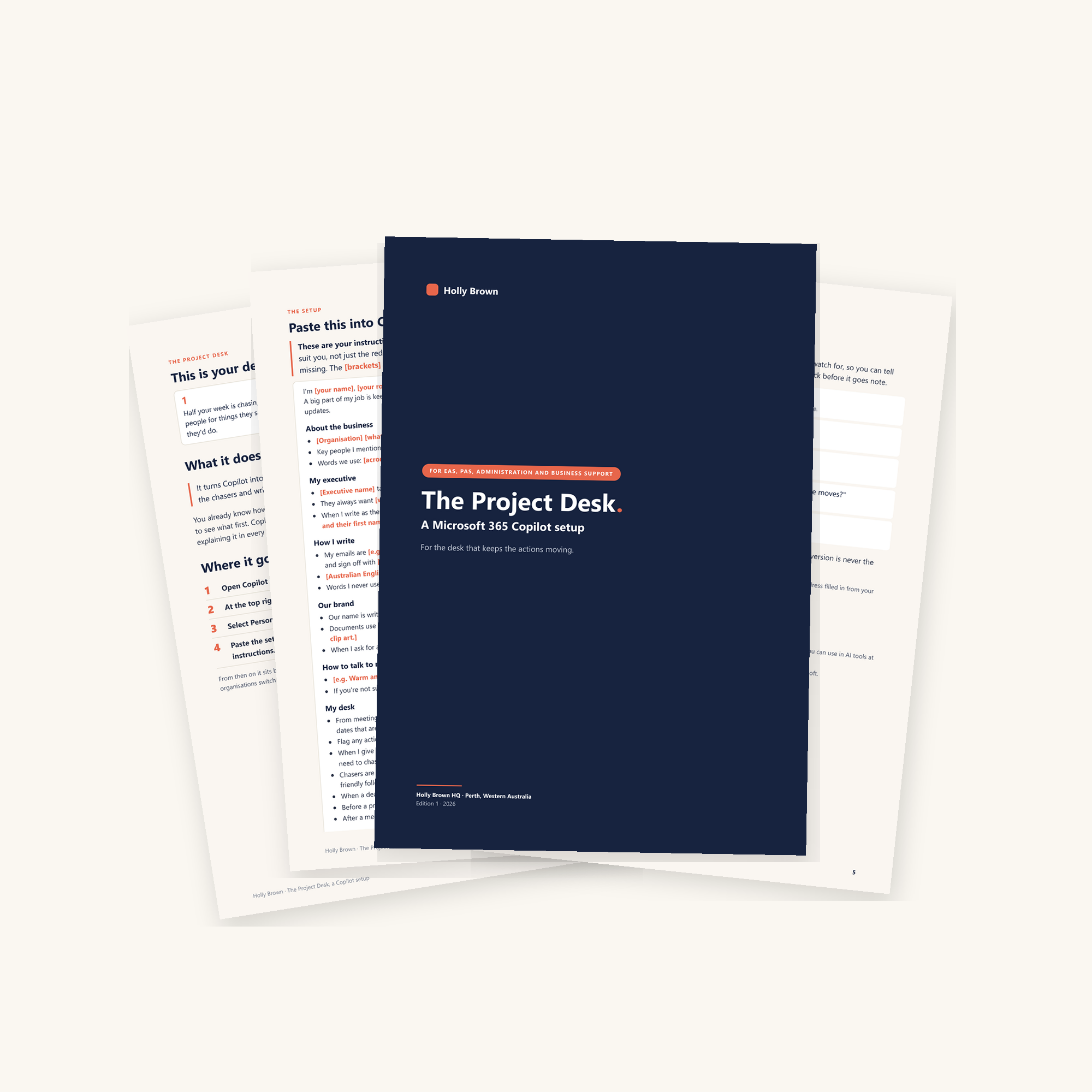
It turns Copilot into a project coordinator. It pulls actions out of notes, shows who to chase, drafts the chasers and writes the status update.
You already know how your desk runs: what counts as urgent, how your executive wants things, who needs to see what first. Copilot can't guess any of that. This setup is where you tell it once, in your Microsoft 365 Copilot custom instructions, so you're not re-explaining it in every chat.
These are your instructions, written up for you to make your own. Change and amend them to suit you, not just the red parts.
What's included
One PDF with the full setup for The Project Desk, ready to fill in and paste into Copilot custom instructions
Where it goes in Copilot Chat, step by step
A prompt that gets Copilot to interview you and fill it in, so you're not facing thirty blanks at the end of a day
Five first chats to try on your own work, each with what to watch for
What's not included
It's a document, not software. There's nothing to install.
It isn't legal, HR, IT, security or governance advice. What goes into an AI tool at work is your organisation's call.
Custom instructions are a preview feature in Copilot Chat, and some organisations switch personalisation off.
I'm not affiliated with Microsoft.
The five desks share the same base setup. What changes from desk to desk is the opening line, the My desk section and the first chats.
This is your desk if half your week is chasing people for things they said they'd do, and your executive wants to know what's stuck, not what's fine.
It turns Copilot into a project coordinator. It pulls actions out of notes, shows who to chase, drafts the chasers and writes the status update.
You already know how your desk runs: what counts as urgent, how your executive wants things, who needs to see what first. Copilot can't guess any of that. This setup is where you tell it once, in your Microsoft 365 Copilot custom instructions, so you're not re-explaining it in every chat.
These are your instructions, written up for you to make your own. Change and amend them to suit you, not just the red parts.
What's included
One PDF with the full setup for The Project Desk, ready to fill in and paste into Copilot custom instructions
Where it goes in Copilot Chat, step by step
A prompt that gets Copilot to interview you and fill it in, so you're not facing thirty blanks at the end of a day
Five first chats to try on your own work, each with what to watch for
What's not included
It's a document, not software. There's nothing to install.
It isn't legal, HR, IT, security or governance advice. What goes into an AI tool at work is your organisation's call.
Custom instructions are a preview feature in Copilot Chat, and some organisations switch personalisation off.
I'm not affiliated with Microsoft.
The five desks share the same base setup. What changes from desk to desk is the opening line, the My desk section and the first chats.