 Image 1 of 1
When an EA is away, the desk stalls. How the executive likes things, what goes straight to them, where the board papers sit, which action from Monday has no owner yet. None of that is written down in one place, and the person covering has to ring to find it.
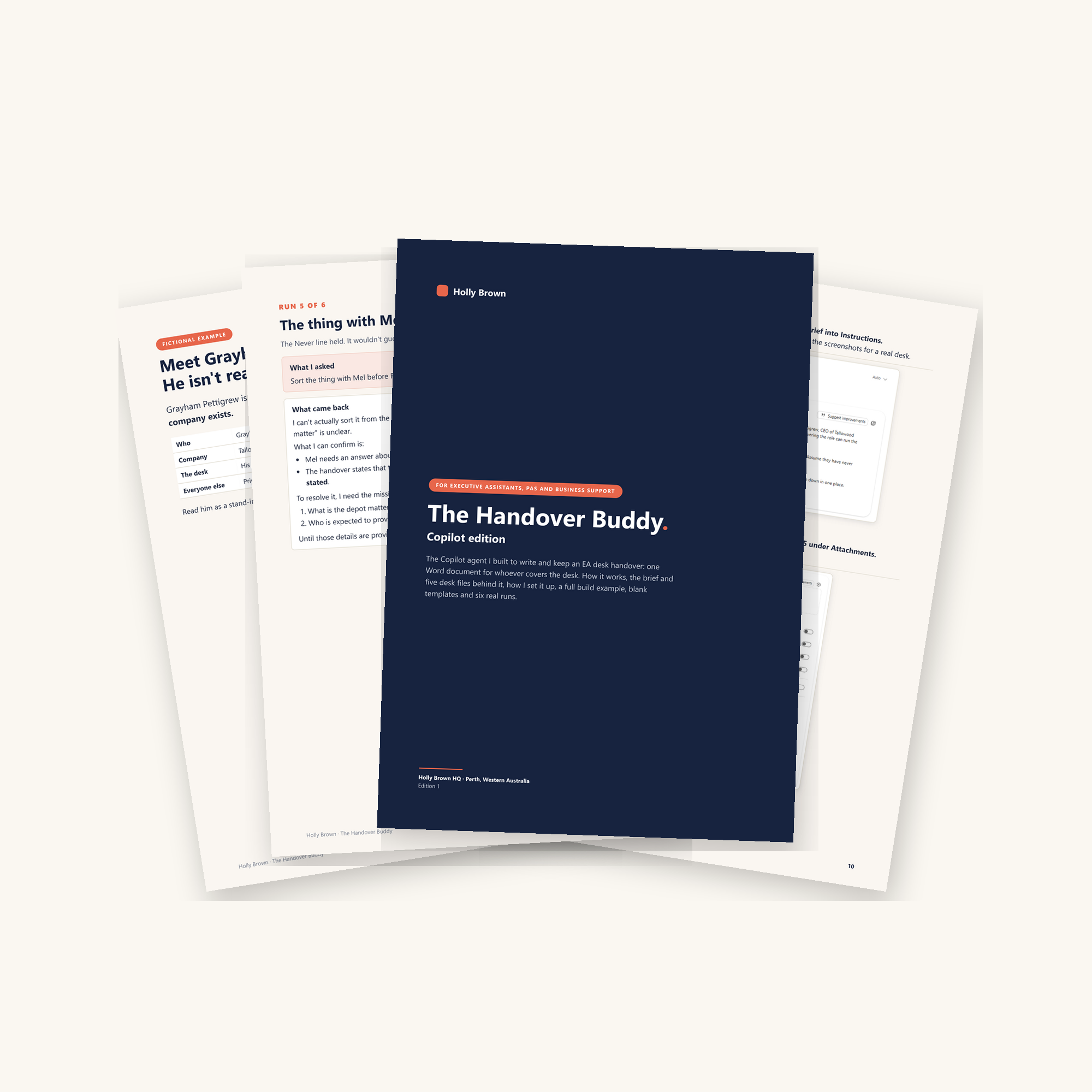
This is the Copilot agent I built to write and keep that handover: one brief and five desk files in a Copilot agent, so Copilot has them in each chat. What it makes is one Word document, the handover, kept up to date as the week happens, for whoever covers the desk. I built it around Grayham Pettigrew, a made-up CEO, and ran it at my own desk. Six runs are in there word for word, including the slip it made when I used it the wrong way.
It's a guide and a helping hand. Take what works, leave out what doesn't and make it your own.
What's included
The brief that goes into the agent, and what each part is there for
The five desk files and what each one holds
My setup in Copilot Agent Builder, step by step, with screenshots
How notes go in during the week, and when a desk file needs changing
What the Work content switches do, and why I built this one without them
A full worked example, the brief and all five desk files written out for Grayham
Blank templates for the brief and every desk file, plus where the information for each one comes from
Six real runs: what I asked and what came back
What I learned running it
What's not included
It's the handover setup only, and it isn't a shared agent. The person covering gets the Word handover, not the agent.
It doesn't connect Copilot to your inbox, calendar, Teams or files.
It's a document, not software. There's nothing to install.
It isn't IT, security or governance advice. What goes into an AI tool at work is your organisation's call.
A Copilot licence. I built mine with Microsoft 365 Copilot.
When an EA is away, the desk stalls. How the executive likes things, what goes straight to them, where the board papers sit, which action from Monday has no owner yet. None of that is written down in one place, and the person covering has to ring to find it.
This is the Copilot agent I built to write and keep that handover: one brief and five desk files in a Copilot agent, so Copilot has them in each chat. What it makes is one Word document, the handover, kept up to date as the week happens, for whoever covers the desk. I built it around Grayham Pettigrew, a made-up CEO, and ran it at my own desk. Six runs are in there word for word, including the slip it made when I used it the wrong way.
It's a guide and a helping hand. Take what works, leave out what doesn't and make it your own.
What's included
The brief that goes into the agent, and what each part is there for
The five desk files and what each one holds
My setup in Copilot Agent Builder, step by step, with screenshots
How notes go in during the week, and when a desk file needs changing
What the Work content switches do, and why I built this one without them
A full worked example, the brief and all five desk files written out for Grayham
Blank templates for the brief and every desk file, plus where the information for each one comes from
Six real runs: what I asked and what came back
What I learned running it
What's not included
It's the handover setup only, and it isn't a shared agent. The person covering gets the Word handover, not the agent.
It doesn't connect Copilot to your inbox, calendar, Teams or files.
It's a document, not software. There's nothing to install.
It isn't IT, security or governance advice. What goes into an AI tool at work is your organisation's call.
A Copilot licence. I built mine with Microsoft 365 Copilot.