 Image 1 of 1
A lot of what goes out under an executive's name gets drafted from the EA's desk. You already know how yours writes: how they open, who gets "Dear" and who gets a first name, the words they'd never use, what they want to see before anything goes. None of that is written down anywhere, and no model can guess it.
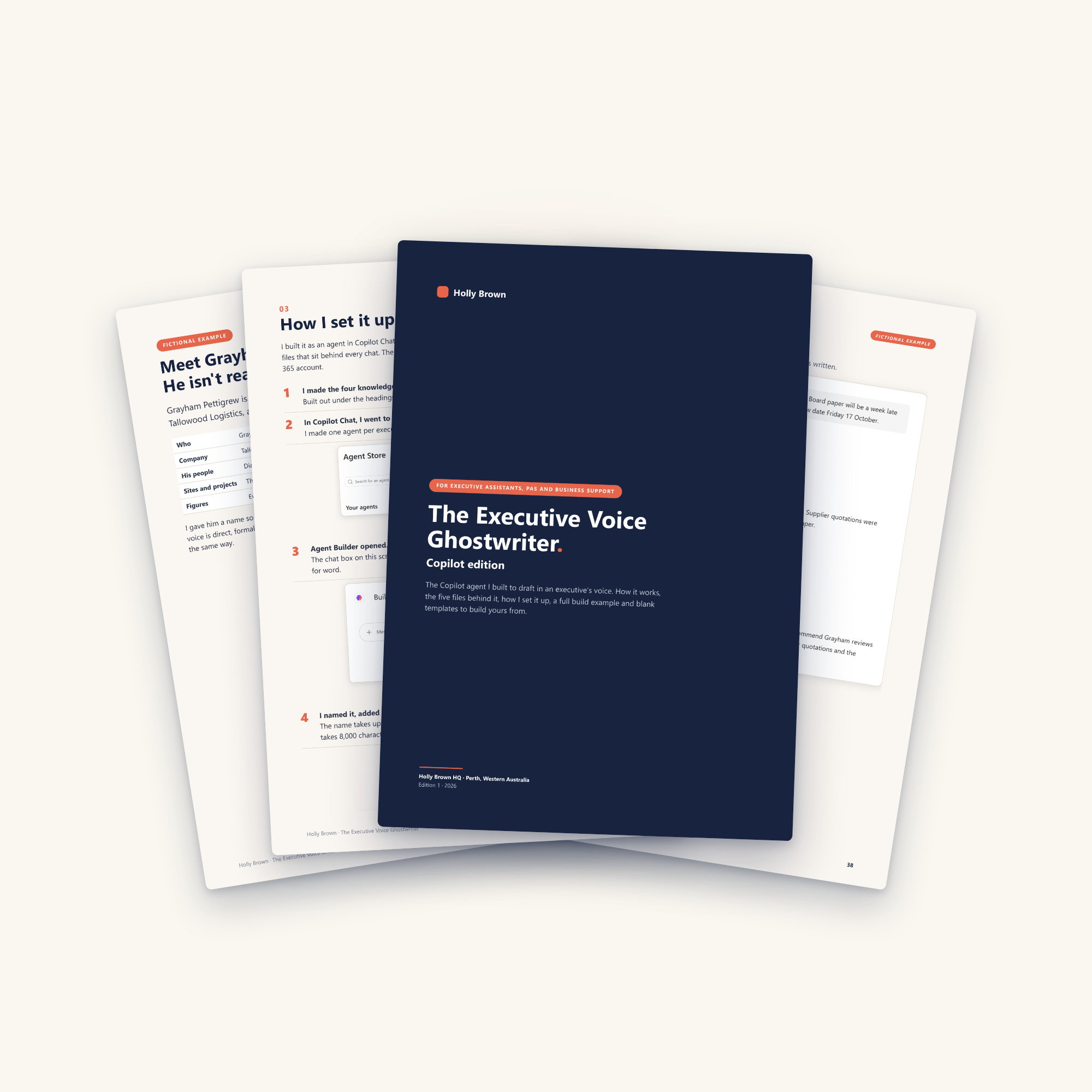
This is how I write it down once, as one set of instructions and four files in a Copilot agent, so Copilot has it in each chat. In my runs, the drafts came back sounding like Grayham. I built it around Grayham Pettigrew, a made-up CEO, and ran it at my own desk. The screenshots of what came back are all in there, including the bits it got wrong.
It's a guide and a helping hand. Take what works, leave out what doesn't and make it your own.
What's included
The framework: the five files and what each one holds
My setup in Copilot Agent Builder, click by click, with screenshots
What the Work content switches do, and why I built this one without them
A full worked example, all five files written out for Grayham
Blank templates for every file, plus where the information for each one comes from
Four real runs: the request, the draft and the EA notes, as screenshots
Where it falls short, and what I take from it
What's not included
It's the ghostwriter setup only. It doesn't connect Copilot to your inbox, calendar, Teams or files, and it doesn't work inside your executive's mailbox.
It's a document, not software. There's nothing to install.
It isn't IT, security or governance advice. What goes into an AI tool at work is your organisation's call.
A Copilot licence. I built mine with Microsoft 365 Copilot.
A lot of what goes out under an executive's name gets drafted from the EA's desk. You already know how yours writes: how they open, who gets "Dear" and who gets a first name, the words they'd never use, what they want to see before anything goes. None of that is written down anywhere, and no model can guess it.
This is how I write it down once, as one set of instructions and four files in a Copilot agent, so Copilot has it in each chat. In my runs, the drafts came back sounding like Grayham. I built it around Grayham Pettigrew, a made-up CEO, and ran it at my own desk. The screenshots of what came back are all in there, including the bits it got wrong.
It's a guide and a helping hand. Take what works, leave out what doesn't and make it your own.
What's included
The framework: the five files and what each one holds
My setup in Copilot Agent Builder, click by click, with screenshots
What the Work content switches do, and why I built this one without them
A full worked example, all five files written out for Grayham
Blank templates for every file, plus where the information for each one comes from
Four real runs: the request, the draft and the EA notes, as screenshots
Where it falls short, and what I take from it
What's not included
It's the ghostwriter setup only. It doesn't connect Copilot to your inbox, calendar, Teams or files, and it doesn't work inside your executive's mailbox.
It's a document, not software. There's nothing to install.
It isn't IT, security or governance advice. What goes into an AI tool at work is your organisation's call.
A Copilot licence. I built mine with Microsoft 365 Copilot.